

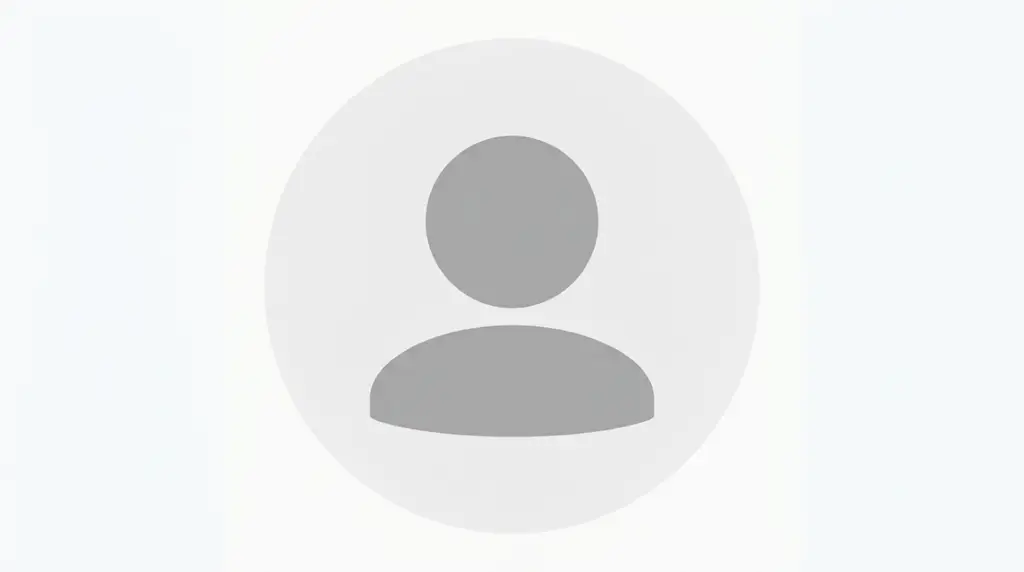
The Instagram default PFP is the grey human silhouette Instagram assigns to any account that has not uploaded a profile photo. It renders as a mid-grey bust inside a light circle, switches to a lighter outline in dark mode, and displays at roughly 110 × 110 pixels on mobile. Many users now choose it deliberately.
That last part is the shift worth understanding. What began as a placeholder for empty accounts has turned into a deliberate visual style — a way to stay unreadable on purpose. A blank avatar signals privacy on a finsta, a clean slate on a fresh account, or a quiet aesthetic on a curated feed where a face would feel loud.
This guide covers the authentic default avatar, the styled alternatives people actually search for (cool, cute, unique, aesthetic, blank, HD, 4K, boy, girl), the exact specs Instagram uses, and the steps to restore the real default if you want the empty icon back.
Why A Well-Chosen PFP Shapes Your Online Presence
That size constraint is why minimal avatars perform well. A grey silhouette, a solid colour block, or a soft gradient survives downscaling intact. A cropped group photo does not.
There is also a social signal at work. A default or near-default avatar reads differently depending on context: on a new account it suggests a lurker, on an established account with real posts it reads as intentional restraint. The distinction comes from the rest of the profile — bio length, feed consistency, username tone.
Key takeaway: treat the avatar as a system component, not decoration. Match its tone to your username, bio, and highlight covers, and the whole profile reads as curated instead of unfinished.
Instagram Default PFP Cool



Cool default PFPs keep the placeholder silhouette but swap the grey for depth — charcoal, near-black, deep navy, or a dark gradient. The shape stays familiar; the palette does the work.
The logic is contrast control. Instagram renders Profile Pictures inside a circular mask, so anything near the edges gets clipped. Dark avatars with a centred subject hold their form after cropping and stand out against Instagram’s white feed background without shouting.
What makes the cool variant work:
- Dark base tones create weight in small circles
- Hard edges stay sharp at 32px comment size
- Zero text — type under 40px becomes unreadable noise
- Off-black over pure black, which can look like a rendering failure in dark mode
This style suits gaming accounts, music profiles, and dark-mode feeds. It pairs naturally with short lowercase usernames and one-line bios. On Discord and TikTok the same file transfers cleanly, since all three platforms use circular masks.
Instagram Default PFP Unique
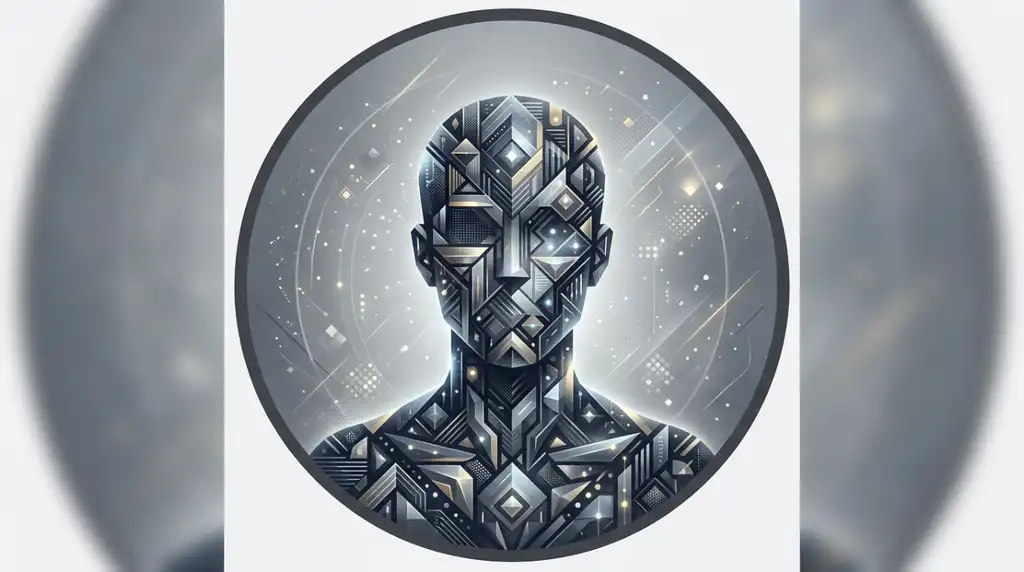
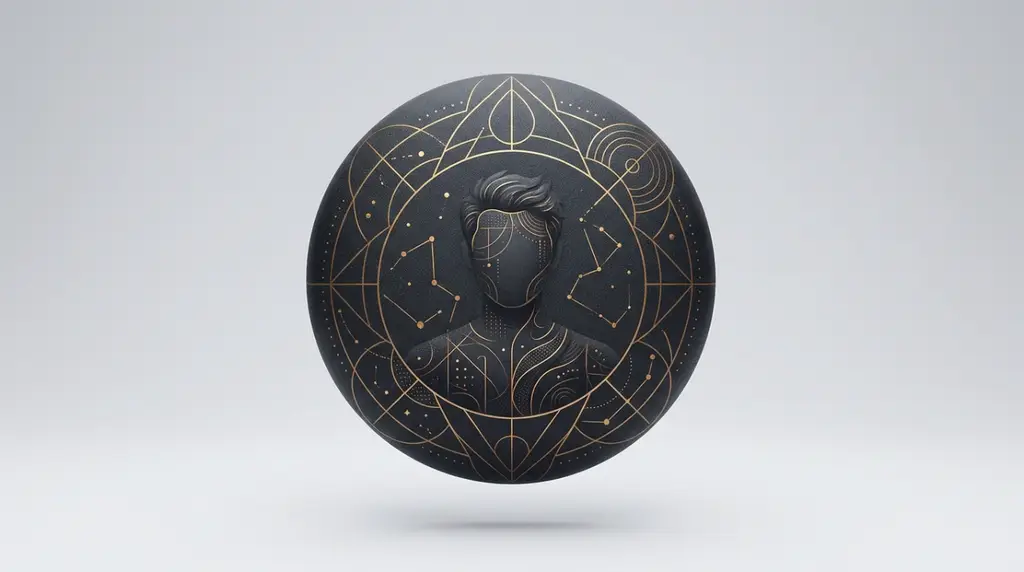


Unique default PFPs keep the blank-avatar silhouette recognisable while breaking one rule of it. The change is small and deliberate — an inverted colour, an off-centre crop, a silhouette rotated slightly, or a duotone gradient replacing flat grey.
This is the category with the most creative room, because the reference image is so familiar that even a minor edit registers instantly. Shift the silhouette 15% left and the avatar suddenly looks designed rather than empty.
Variations that read as unique without losing the default feel:
- Duotone silhouettes (lavender over cream, rust over beige)
- Negative-space inversions — light figure, dark circle
- Soft drop shadows behind the bust for false depth
- Grain or noise overlays for a scanned, analogue texture
The result stays low-key enough for a private account but distinct enough that people recognise your comments in a crowded thread. It works particularly well on art accounts and experimental feeds where full anonymity would feel evasive.
Instagram Default PFP Cute


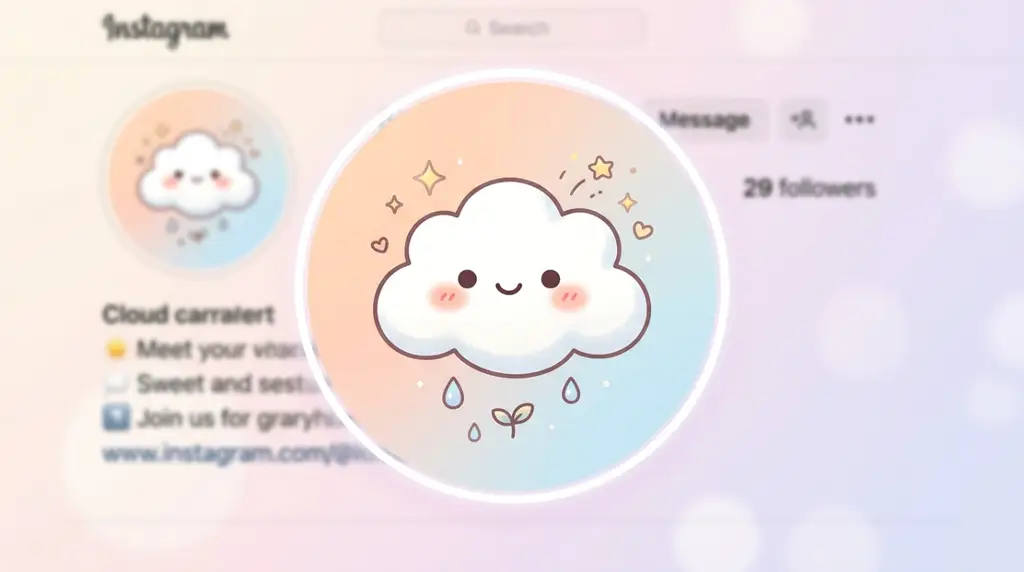



Cute default PFPs soften the placeholder with pastel fills, rounded geometry, and warm off-white backgrounds. Common palettes include blush pink, butter cream, lavender, sage, and baby blue — colours that stay gentle after Instagram’s compression.
Softness is harder to execute than darkness. Pale avatars risk disappearing entirely against Instagram’s white background, especially on iPhone displays with True Tone active. The fix is a visible but gentle boundary: a thin outline, a slightly deeper background ring, or a low-contrast gradient that gives the circle an edge.
Practical rules for cute variants:
- Keep at least 15–20% tonal difference between silhouette and background
- Use rounded or blob-shaped silhouettes rather than the angular default bust
- Avoid neon pastels, which shift oddly after upload compression
- Test the file in dark mode before committing
This style suits lifestyle accounts, softcore aesthetic feeds, and shared accounts with friends. It pairs well with pastel highlight covers and lowercase bios.
Instagram Default PFP Aesthetic
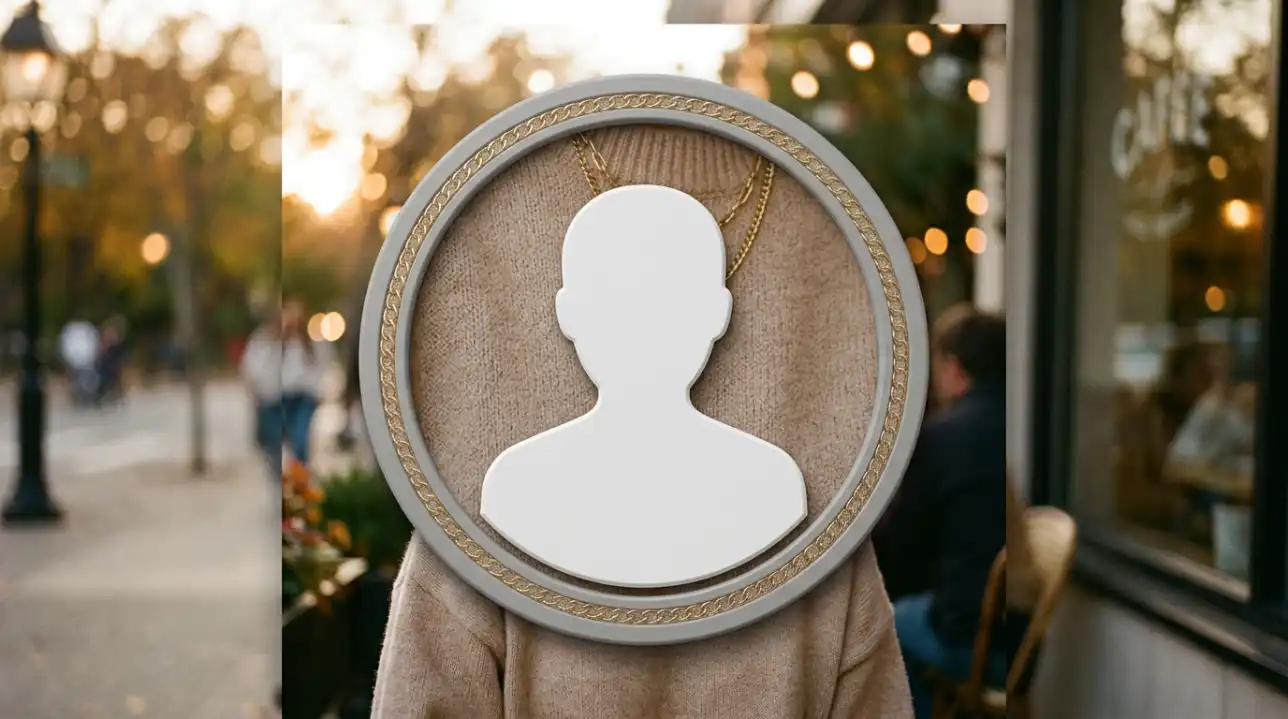
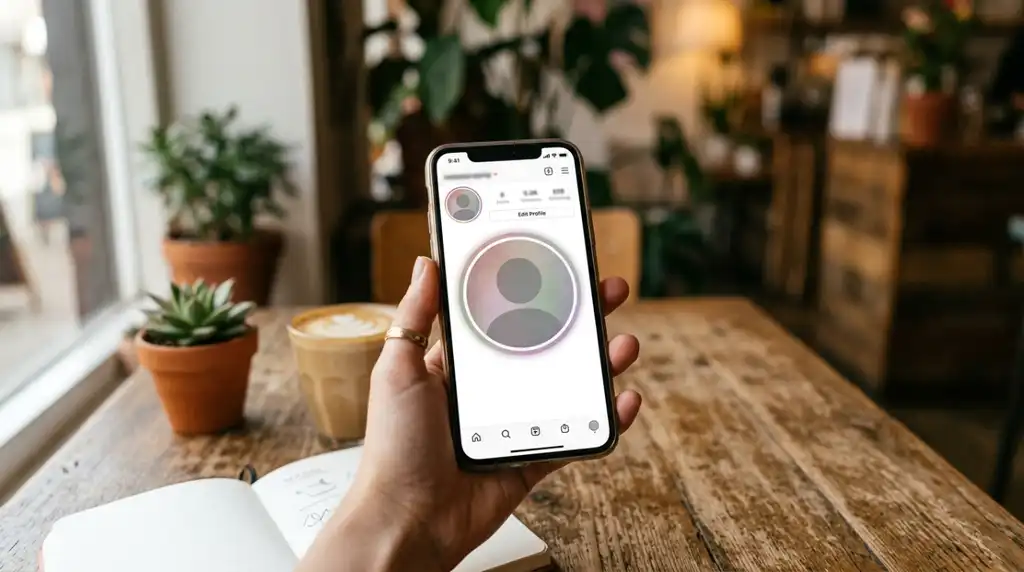


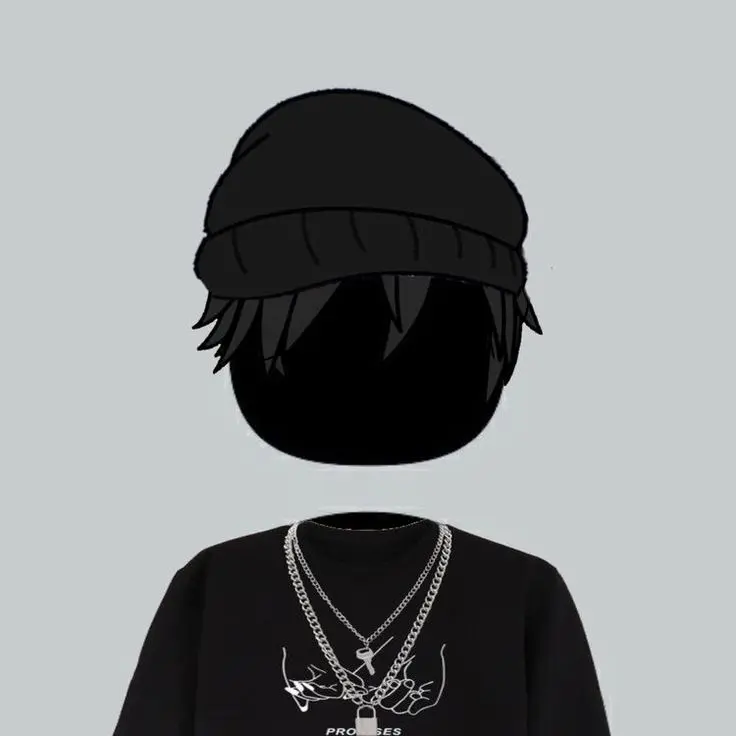

Aesthetic default PFPs treat the empty avatar as a design object — muted palette, generous negative space, and a single controlled gradient. The goal is a profile picture that looks styled rather than skipped.
The defining trait of this category is restraint measured in colour count. Most successful aesthetic defaults use two tones maximum, sometimes only one with a gradient shift. Adding a third colour tips the image toward looking like a logo instead of an avatar.
| Aesthetic Sub-Style | Typical Palette | Best Suited To | Dark Mode Result |
|---|---|---|---|
| Minimal Neutral | Beige, taupe, off-white | Curated lifestyle feeds | Slightly washed, still readable |
| Muted Dark | Charcoal, slate, ink | Music and gaming accounts | Strong, high presence |
| Soft Gradient | Cream to blush, sky to lilac | Art and photography profiles | Gradient flattens slightly |
| True Blank | Single flat grey | Private or finsta accounts | Nearly invisible — use an outline |
Key takeaway: choose the sub-style by feed background first, not by personal colour preference. A beige avatar on a dark feed creates an unintended spotlight.
Blank Instagram Default PFP





A blank Instagram default PFP strips the image to a single flat field with little or no silhouette. Pure white, pure black, and flat grey are the three most searched versions, and each behaves differently once uploaded.
Plain white is the trickiest. Instagram’s light-mode interface is near-white, so a pure #FFFFFF avatar appears as an invisible circle — which is exactly why some users want it, and exactly why others find it disappears completely in Explore grids. Flat black has the inverse problem in dark mode.
The safer approach is near-blank rather than truly blank:
- Choose
#F2F2F2instead of pure white, or#101010instead of pure black - Export as PNG at 1080 × 1080 for a clean, unbanded field
- Upload and check how it renders in both light and dark mode
- Confirm it still reads at comment size before keeping it
This variant suits private accounts, throwaways, and profiles built for reading rather than being seen.
Instagram Default PFP HD



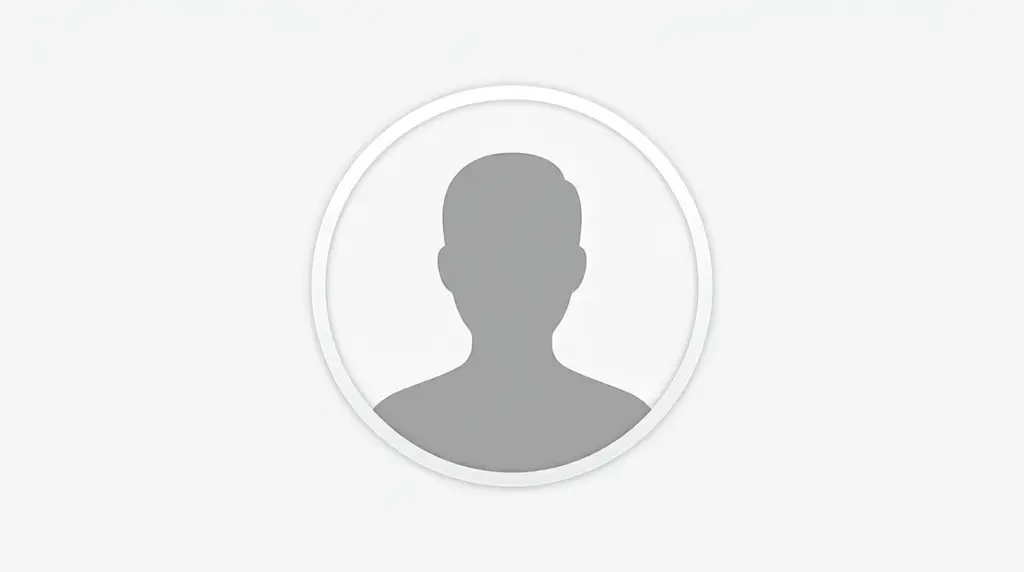


HD default PFPs matter more than detailed avatars do, because flaws have nowhere to hide in a minimal image. Banding in a gradient or a soft edge on a silhouette becomes the only thing visible when there is nothing else in the frame.
Instagram stores uploaded profile photos at 320 × 320 pixels and displays them at 110 × 110 on mobile. Uploading a small file forces upscaling; uploading a large one lets Instagram downsample cleanly, which preserves edges far better.
HD specification checklist:
- Upload at 1080 × 1080, square, 1:1 ratio
- PNG for flat colour and hard edges; JPEG introduces artefacts around silhouettes
- Keep the subject inside a centred 80% safe zone to survive circular cropping
- File size under 1MB to limit re-compression
- Avoid sharpening filters — they create halos on simple shapes
Key takeaway: for minimal avatars, format choice affects quality more than resolution does. A 1080px PNG beats a 4000px JPEG every time.
Instagram Default PFP 4K




4K default PFPs are less about Instagram and more about reuse. Instagram downsamples everything to 320px, so a 4K source file offers no display advantage on the platform itself — but it gives you a master copy.
That master matters when the same avatar has to work across a YouTube channel icon (800 × 800 recommended), a Discord server profile, a Twitch panel, or a printed sticker. Starting from a 4K or vector source means one design scales everywhere without a re-export losing fidelity.
When 4K is genuinely worth it:
- You use the same avatar across multiple platforms
- The design includes gradients, which band badly when upscaled
- You may crop the image differently later for banners or covers
- You want an SVG or vector master for infinite scaling
For a single flat-colour Instagram avatar, 1080px is sufficient. For a multi-platform identity built on one silhouette, keep a 4K or vector file and export per platform.
Instagram Default PFP For Boys




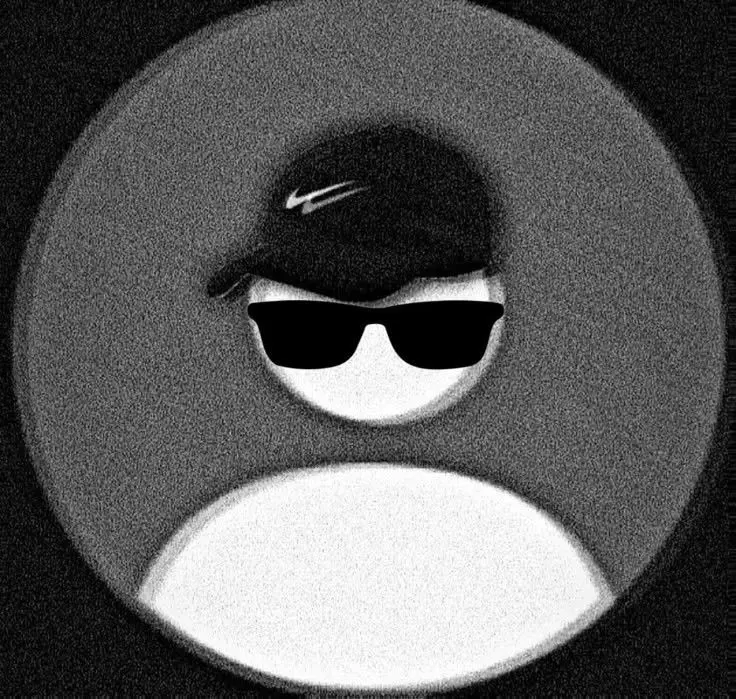
Boy-oriented default PFPs lean toward darker palettes, harder edges, and colder neutrals. The most-used combinations are charcoal on slate, ink on grey, and deep navy on off-white — low saturation with strong structural contrast.
The practical reason the style works is legibility in dense environments. Gaming comment sections, group chats, and Discord servers stack dozens of small circles vertically. A dark, high-contrast avatar separates from neighbouring images faster than a mid-tone one does.
Common variants in this category:
- Dark silhouette on a light grey circle — the closest to the true default
- Monochrome geometric shapes replacing the human bust
- Flat black with a thin white ring for dark-mode visibility
- Desaturated navy or forest for a slightly warmer alternative
These pair well with short lowercase handles, one-word bios, and dark-themed highlight covers. The same file transfers directly to Discord, TikTok, and Steam without adjustment, since all use circular or square-cropped avatars at similar sizes.
Instagram Default PFP For Girls
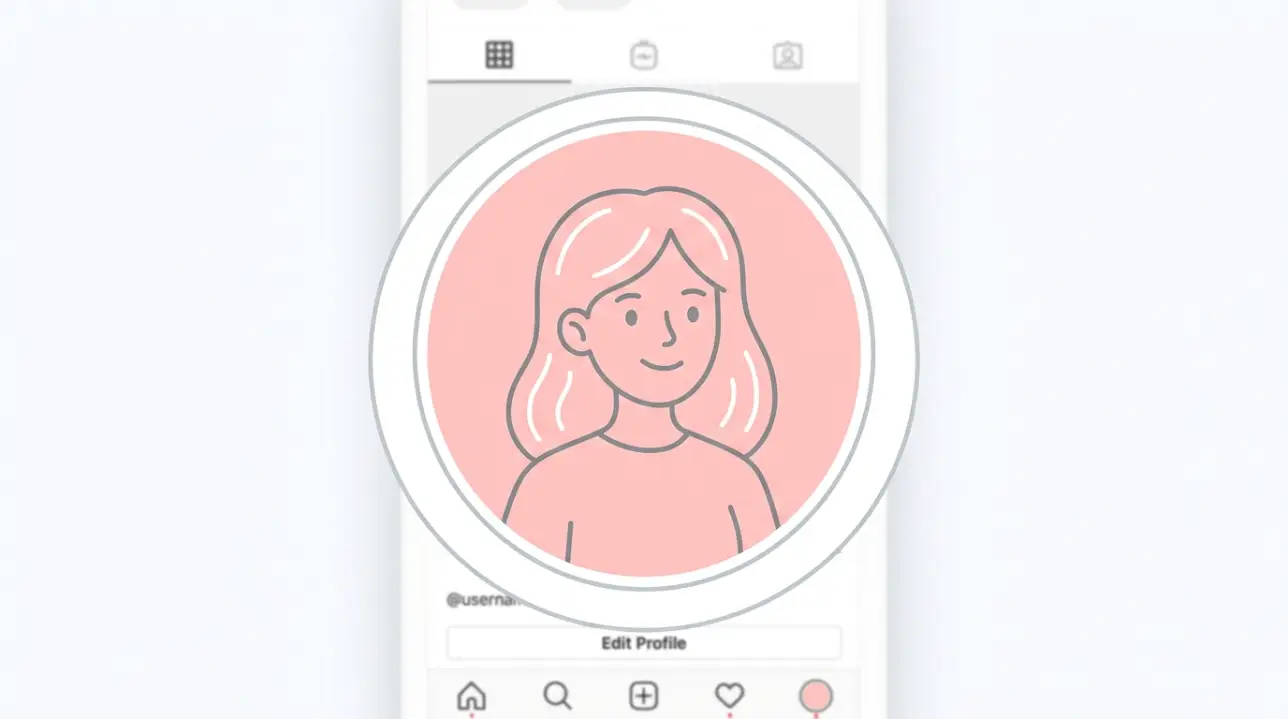
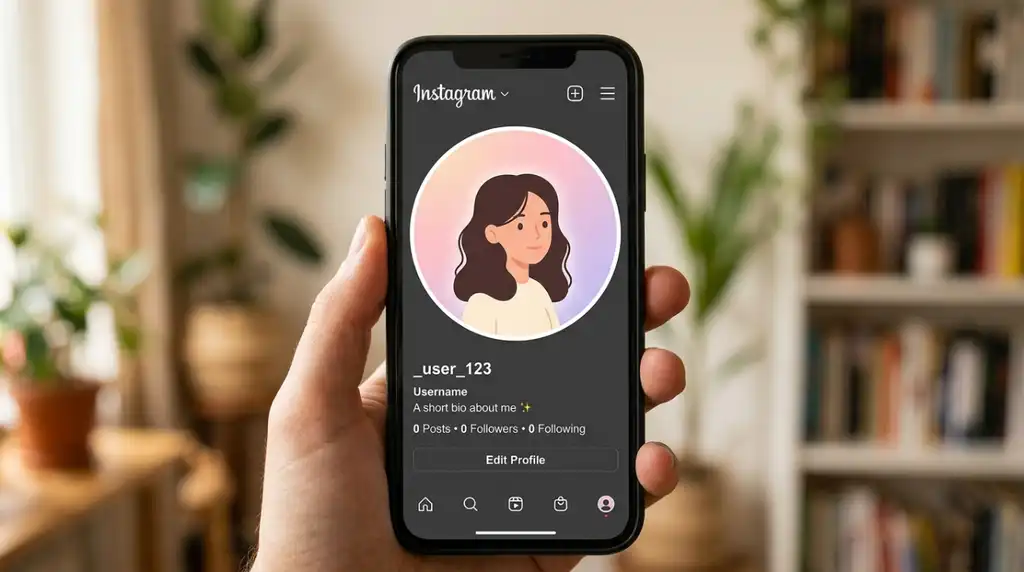


Girl-oriented default PFPs favour warmer neutrals, pastel fills, and softer silhouette edges — blush, cream, sage, lavender, and dusty rose appear most often, usually with a rounded rather than angular figure.
The design challenge here is the opposite of the boy category. Light avatars risk blending into Instagram’s white interface, so the boundary needs definition. A 1–2 pixel outline, a slightly deeper background ring, or a soft inner shadow keeps the circle visible without adding visual weight.
Approaches that hold up at small sizes:
- Pastel silhouette on cream with a thin darker outline
- Two-tone gradient shifting across the circle for gentle depth
- Soft blob shapes instead of the standard bust outline
- Warm grey as a softer alternative to Instagram’s cool default grey
This style suits lifestyle, fashion, and photography accounts, and works especially well alongside matching pastel highlight covers. It reads as private without reading as abandoned.
How To Choose The Right Instagram Default PFP
Change it rarely. Followers recognise avatars before usernames, and frequent swaps reset that recognition.
Decide the intent first. True anonymity, soft privacy, or styled minimalism are three different goals with three different answers.
Check contrast against your feed, not against a white canvas — a beige avatar looks very different on a dark grid.
Test both display modes. Roughly a third of users browse in dark mode, where pale avatars lose their edges.
Shrink it to 32 pixels before uploading. If the shape dissolves, simplify it further.
Match the palette to your username and bio tone. A pastel avatar under an all-caps handle creates friction.
Keep the subject centred inside an 80% safe zone so circular cropping doesn’t clip it.
Avoid any text or fine linework — neither survives downscaling.
What Does The Real Instagram Default PFP Actually Look Like?
The authentic Instagram default avatar is a flat, mid-grey human bust — head and shoulders, no facial features — centred inside a lighter grey circle. It is generated automatically and cannot be downloaded from the app itself.
Instagram has revised it more than once. Earlier versions used a bluer, more detailed silhouette with visible shoulders and a narrower head; the current version is flatter, rounder, and more neutral, matching the platform’s broader move toward simplified interface icons. In Dark Mode, the polarity inverts: a lighter silhouette appears on a darker grey circle rather than the reverse.
This matters if you’re recreating it. Most “default PFP” files circulating online copy an older revision or a Facebook variant, which looks subtly wrong next to genuinely empty accounts.
Key takeaway: if your goal is to be indistinguishable from a blank account, don’t upload a lookalike — remove your photo entirely, as described below. Recreations never match exactly across both display modes.
How To Get The Instagram Default PFP Back On Your Account
You cannot upload the default avatar — you restore it by removing your current profile photo. Instagram then reverts the account to the system-generated grey silhouette automatically.
On iPhone and Android:
- Open your profile and tap Edit profile
- Tap your current picture, or Change profile photo
- Select Remove current picture from the menu
- Confirm — the grey silhouette appears immediately
On desktop (instagram.com):
- Go to your profile and select Edit profile
- Click Change profile photo
- Choose Remove Current Photo
| Method | Result | Reversible | Matches Real Default |
|---|---|---|---|
| Remove current photo | True system default silhouette | Yes — re-upload anytime | Exact, in both modes |
| Upload a grey lookalike | Static image, fixed polarity | Yes | Close, but wrong in dark mode |
| Upload flat white or black | Fully blank circle | Yes | No — reads as blank, not default |
Note: the change syncs across Threads if your accounts are linked, and cached copies may persist for a short time in other users’ feeds.
Frequently Asked Questions
What is the Instagram default profile picture?
It is the grey human silhouette Instagram assigns automatically to accounts with no uploaded photo. The figure is a featureless head-and-shoulders bust inside a circle, and its colours invert in dark mode.
How do I get the default PFP back on Instagram?
Go to Edit profile, tap your current picture, and choose Remove current picture. Instagram restores the system silhouette straight away. Uploading a lookalike image is not the same thing — it won’t invert correctly in dark mode.
What size should an Instagram profile picture be?
Upload a square 1:1 image at 1080 × 1080 pixels. Instagram stores it at 320 × 320 and displays it at about 110 × 110 on mobile. Keep the subject centred, since the image is cropped to a circle.
Can I download the real Instagram default PFP image?
Not from the app — it is generated by the interface rather than stored as a downloadable file. Copies circulating online are recreations, and many are based on older revisions or Facebook’s version, which look slightly different.
Does having a default PFP hurt your reach or engagement?
There’s no evidence Instagram’s ranking systems treat avatars as a signal. The effect is social rather than algorithmic: new accounts with blank avatars get fewer follow-backs because they read as inactive or spam, while established accounts with real posts are unaffected.
Is the Instagram default PFP the same as Facebook’s or Discord’s?
No. Facebook uses a different silhouette proportion, and Discord assigns a coloured circle with its own logo mark rather than a human figure. Each platform generates its own placeholder, so files are not interchangeable.
Conclusion
The Instagram default PFP occupies a strange position: it is both the sign of an empty account and, increasingly, a deliberate stylistic choice. Understanding the difference — and knowing that the real default is restored by removing a photo rather than uploading one — is what separates an intentional blank avatar from an unfinished profile.
