
A PlayStation PFP is a profile picture used on your PSN (PlayStation Network) account or linked gaming profiles — separate from Sony’s official paid “avatars” — chosen to give your gamertag a bold, personal, gaming-themed identity. This guide covers 300+ PlayStation PFP ideas organized by style, plus the exact steps to upload a custom profile picture on both PS4 and PS5, from the website, the mobile app, or your console directly.
The Complete PlayStation PFP Guide
What Is a PlayStation PFP?
A PlayStation PFP is a custom image used to represent a gamer’s identity on PSN, Discord gaming servers, or gaming forums — typically featuring bold colors, controller or console imagery, or character art with a distinctly “gamer” aesthetic. It’s different from a PlayStation “avatar,” which is Sony’s own term for the default or store-purchased image tied directly to your PSN account.
On PlayStation Network specifically, your account actually carries two separate images: your avatar and your profile picture. Your avatar is the image strangers and other players see when you’re browsing online or playing a match — it can only be set to one of Sony’s default PlayStation-themed images or an avatar purchased from the PlayStation Store. Your profile picture, on the other hand, is a separate image visible only to you and the people on your friend list, and it’s the one you can freely replace with any custom PlayStation PFP.
PlayStation PFP vs PSN Avatar — What’s the Difference?
These two terms get used interchangeably, but on PlayStation Network they refer to genuinely different things:
| Term | What It Is | Who Can See It |
| PSN Avatar | Sony’s official default or store-purchased image tied to your account | Visible to everyone — strangers, match opponents, public profile |
| Profile Picture / PlayStation PFP | A custom image you upload yourself from the website or app | Visible only to you and your friends list |
| Third-party Gaming PFP | A custom image used on Discord, forums, or other platforms alongside your gamertag | Visible wherever you set it — platform-dependent |
One more distinction worth knowing before you upload anything: the PS4 displays your full profile picture uncropped, while the PS5 crops it into a circular frame — so a PlayStation PFP with important detail near the edges may get cut off if you’re primarily on PS5.
How to Set a Custom PlayStation PFP
From the PlayStation Website
- Sign in to your PSN account on the PlayStation website, then click your profile icon in the top-right corner and select “Account Settings.”
- Click the “Profile” tab on the left side of the page.
- You’ll see two images: “Profile Picture” and “Avatar.” Click “Edit” next to “Profile Picture.”
- Select “Change Picture,” choose your PlayStation PFP from your device, and save. It will now display on your PSN account.
From the PlayStation Mobile App
- Open the PlayStation App and sign in with your PSN account.
- Tap your profile picture in the top-left of the home screen.
- Tap “Edit Profile,” then “Edit” next to “Profile Picture.”
- Select “Change Picture” and choose your image from your device.
Switching Back to Your Default Avatar
On either the website, app, or console (Profile → Edit Profile → Profile Picture), you can select “Use Your Avatar” at any time to revert to Sony’s default image, or switch back to your custom PlayStation PFP whenever you like — the two aren’t mutually exclusive, and swapping between them doesn’t affect your account otherwise.
Why PlayStation-Themed Profile Pictures Are Popular
A PlayStation PFP does double duty: it signals gaming identity the moment someone sees your name in a Discord server, forum post, or friend list, and it lets you personalize an account that Sony otherwise limits to a fairly small set of official avatar options. Since Sony actually removed the avatar section from the PS5 Store entirely, uploading a custom profile picture has become the main way PS5 owners get any real visual personalization on their account at all.
Types of PlayStation PFPs You’ll Find in This Collection
This collection is grouped into seven PlayStation PFP styles so you can jump straight to the vibe that fits your gamertag:
Classic Console & Controller PFPs
PS5 and PS4 console art, DualSense and DualShock controller close-ups — a clean, brand-forward pick.
Neon & Cyber Gaming PFPs
Electric blue and purple tones echoing the PS5’s signature color scheme, built for a bold, modern gamer look.
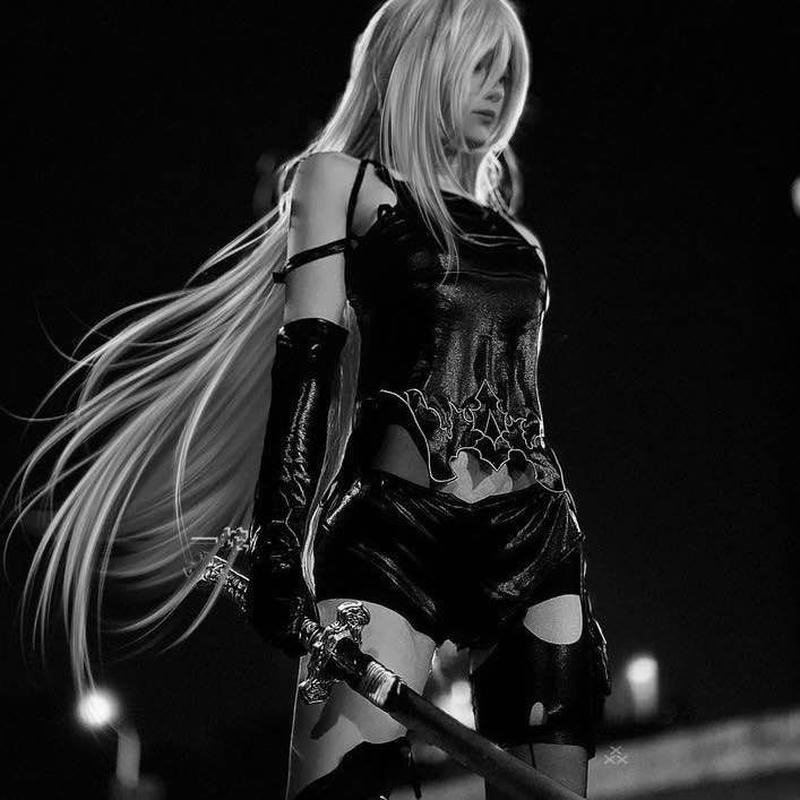
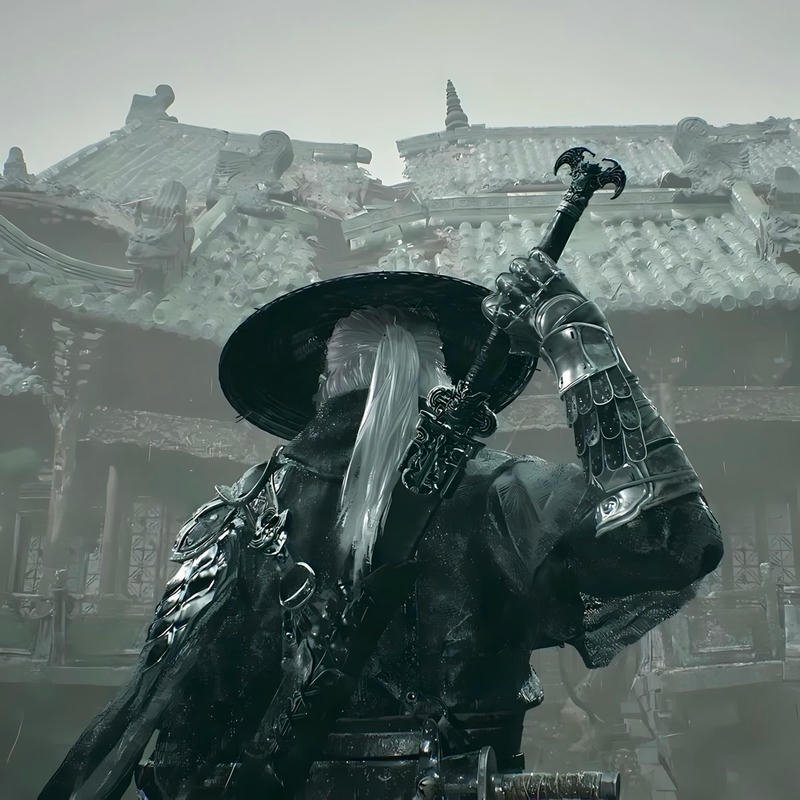
Character & Game-Inspired PFPs
Art inspired by iconic PlayStation exclusives and gaming characters, for players who want their PFP to double as a fandom signal.
Minimalist PlayStation Logo PFPs
Simple, icon-based designs built around the classic triangle-circle-cross-square symbols.
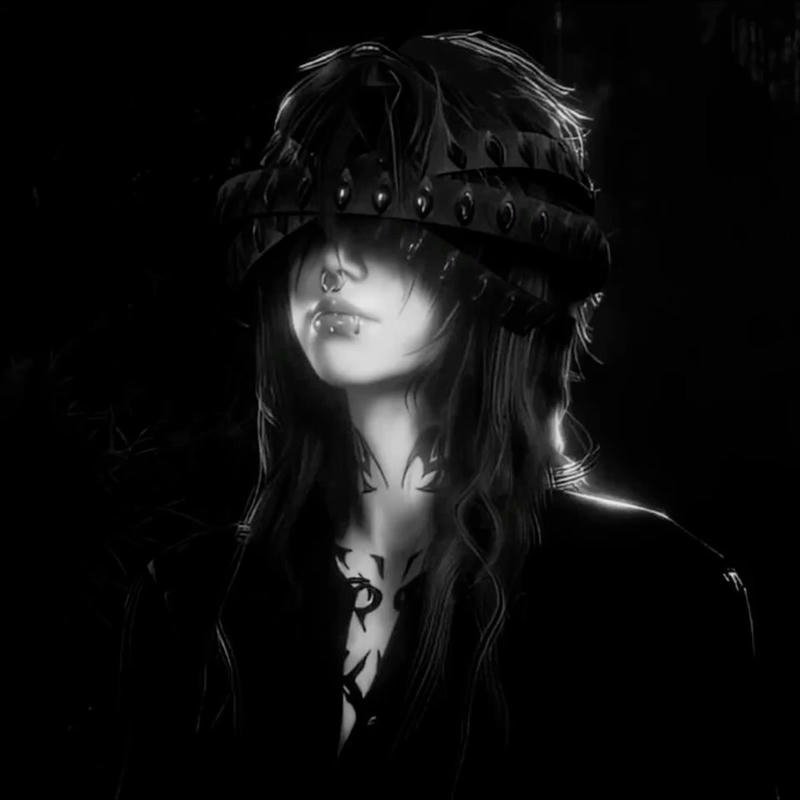
Dark & Moody Gamer PFPs
Low-light, high-contrast compositions for a more serious, competitive gaming identity.
Retro PlayStation PFPs
Throwback PS1/PS2-era color palettes and design language for a nostalgic gamer aesthetic.
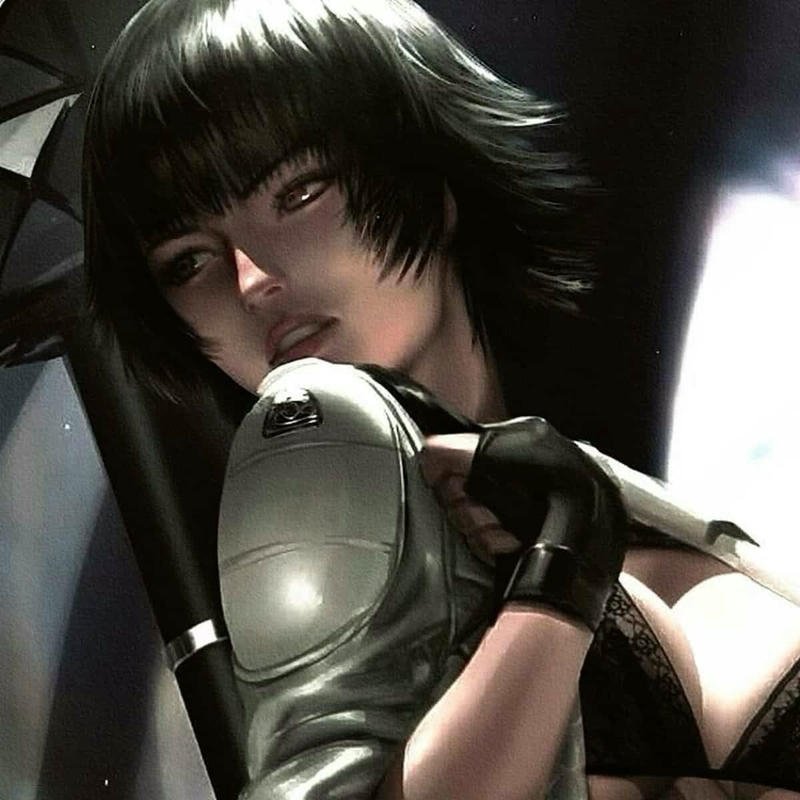
Anime-Style Gaming PFPs
Illustrated, anime-inspired art paired with gaming elements — a strong crossover pick for anime and gaming communities alike.
PlayStation PFP Sizing Guide by Platform
Where you’re setting the PFP determines how it gets cropped, so pick an image with its focal point centered.
| Platform | Display Style | Recommended Size | Notes |
| PS4 | Full image, uncropped | Any square image | Entire picture is visible — safe for detailed compositions |
| PS5 | Circular crop | Square image, centered subject | Edges get cut off — avoid detail near the corners |
| Discord | Circular crop, 128×128 px min | PNG / GIF | Animated PFPs require Discord Nitro |
| PlayStation App | Circular crop | Square image | Matches PS5 display behavior |
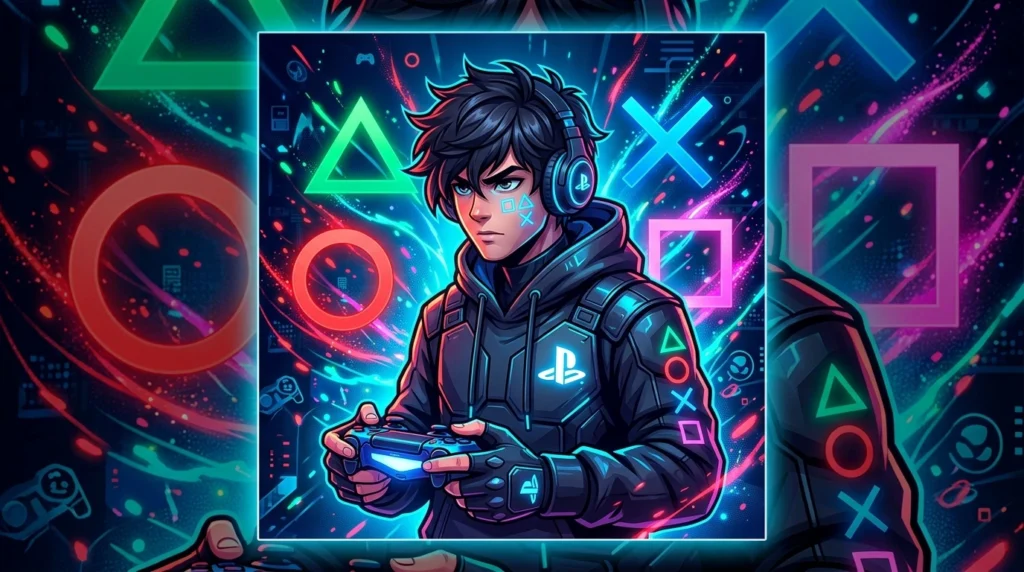
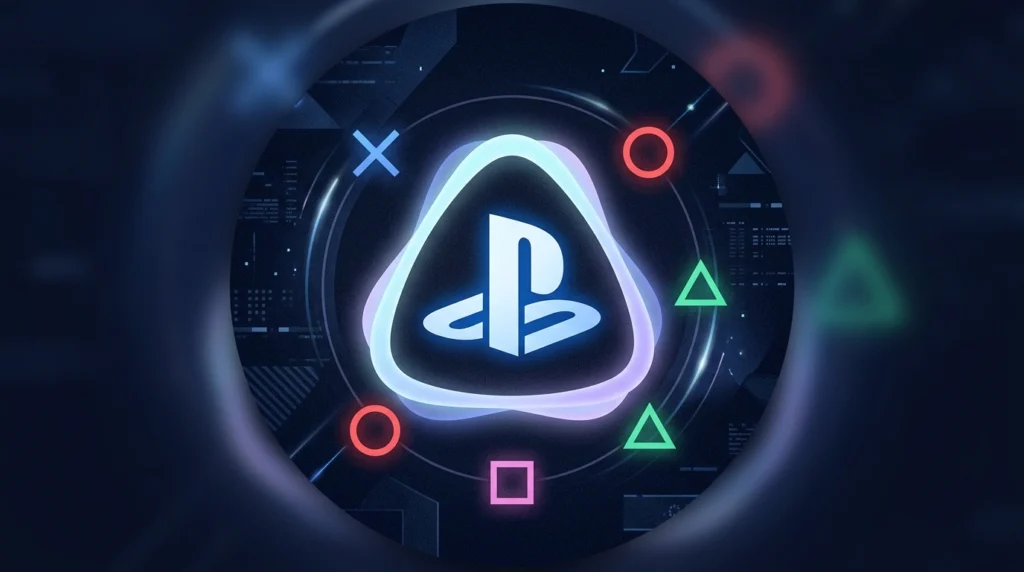
Scroll through the full PlayStation PFP collection below, grouped by style — save any image directly or tap through for a larger version.
PLAYSTATION PFP GALLERY

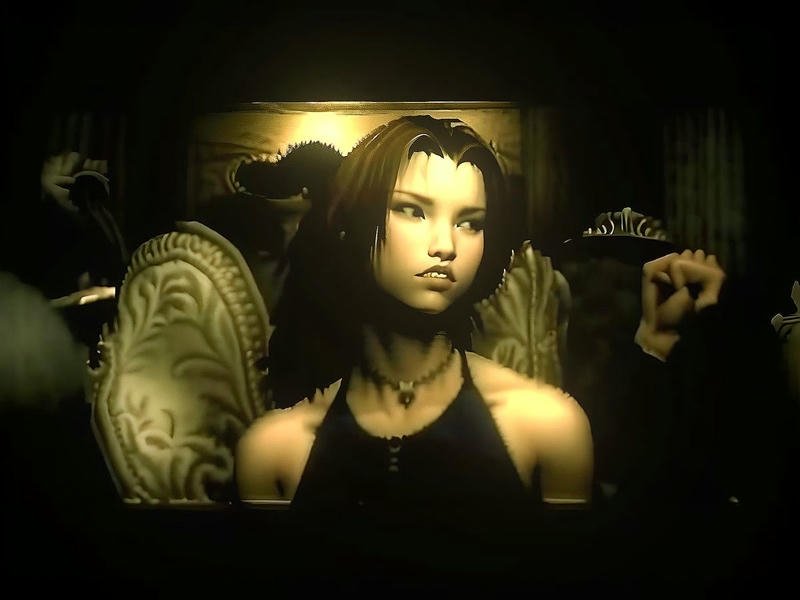
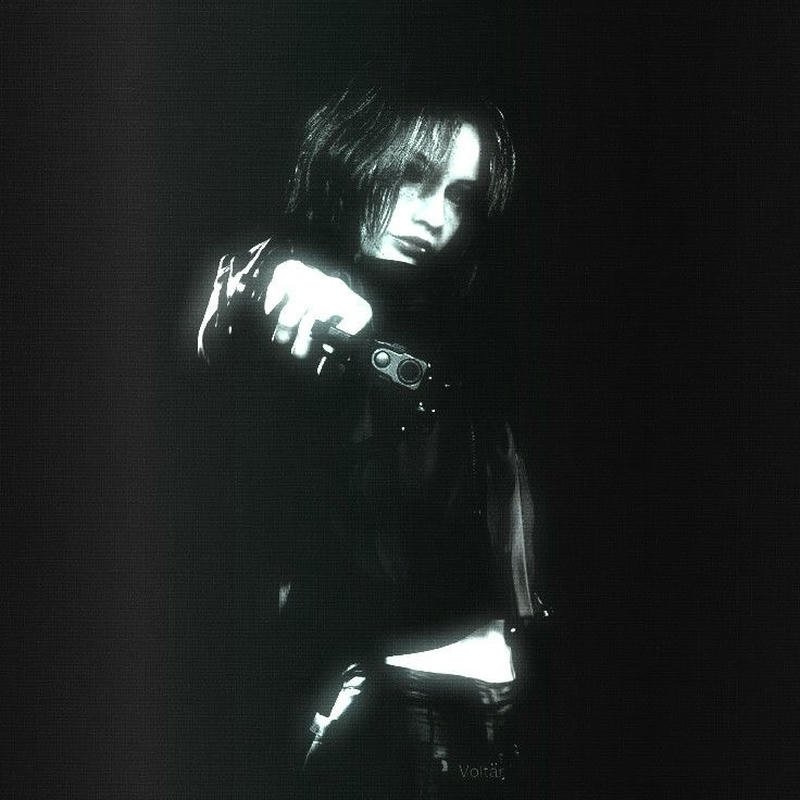

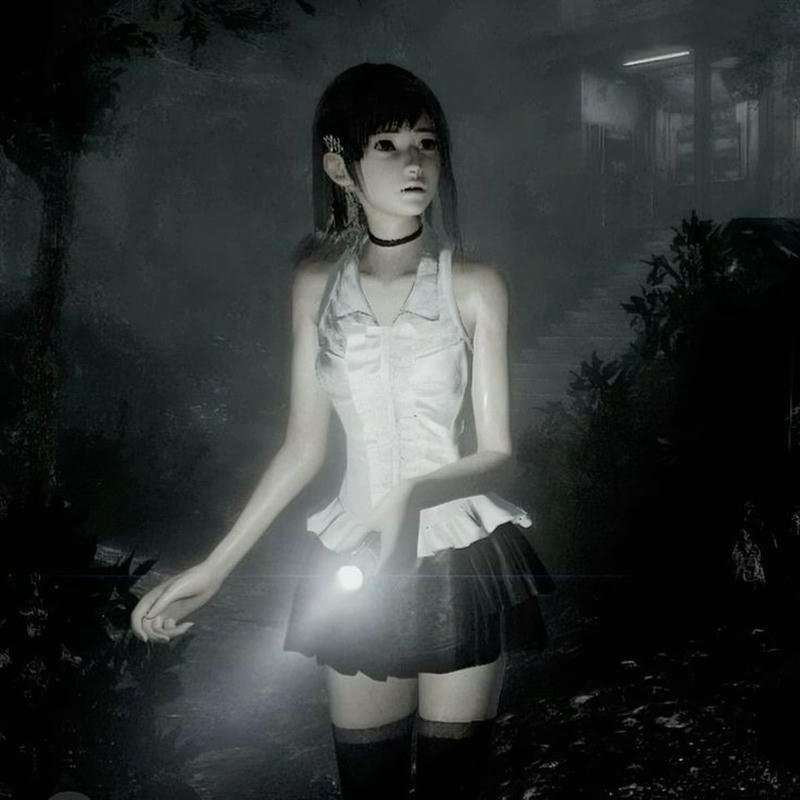

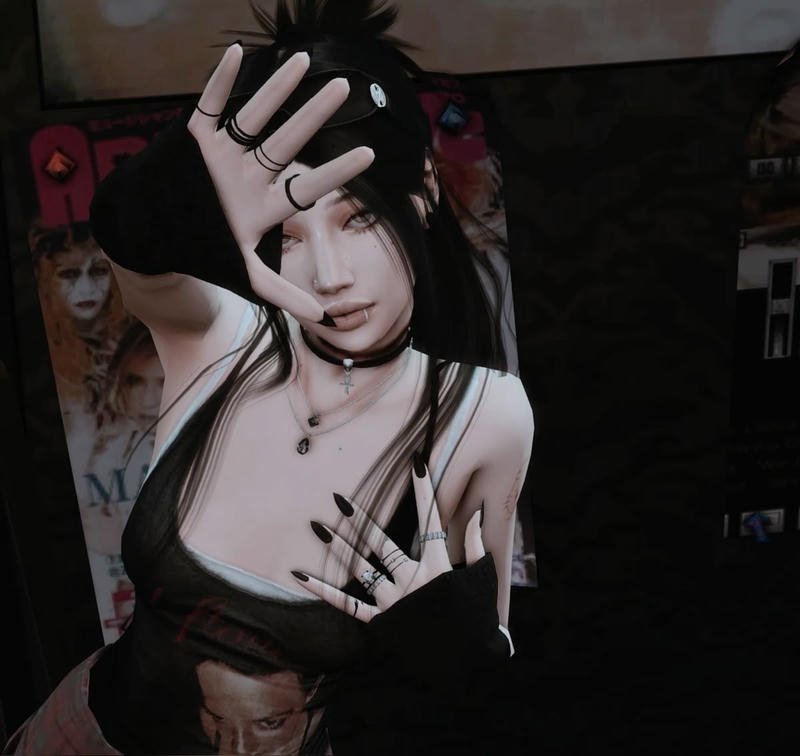
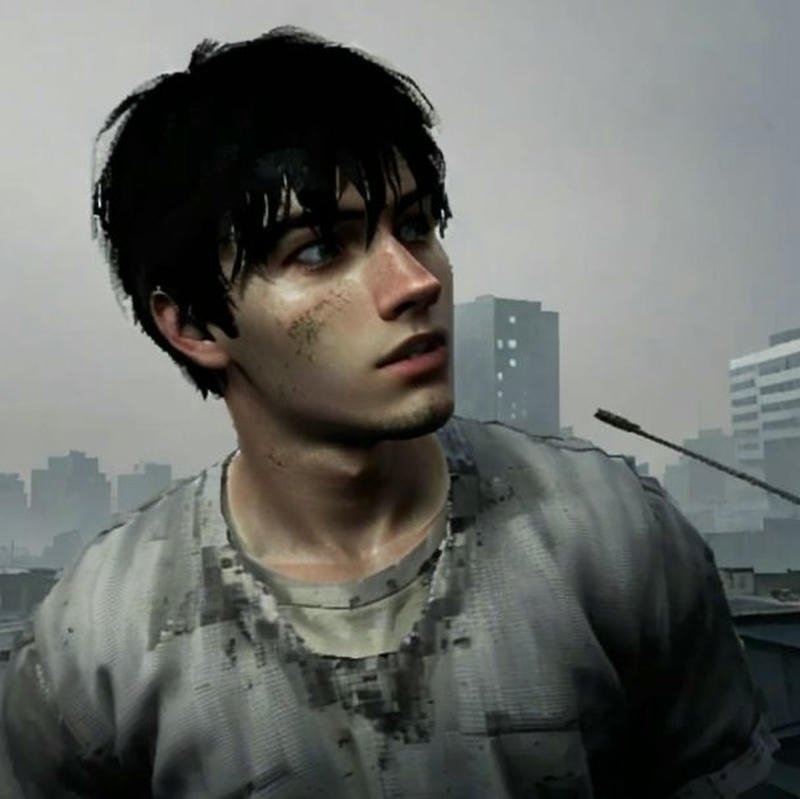
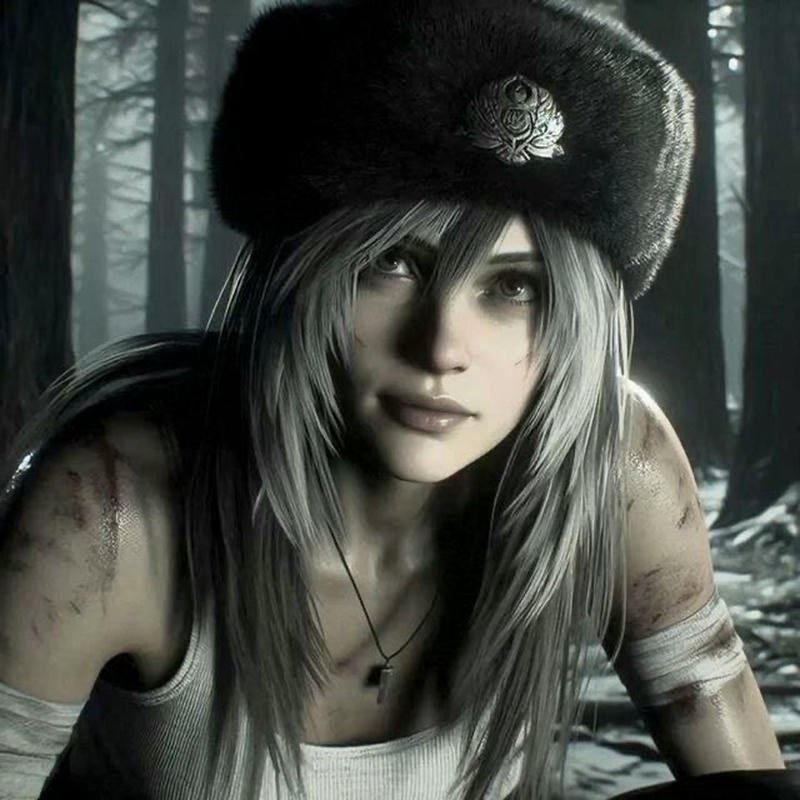
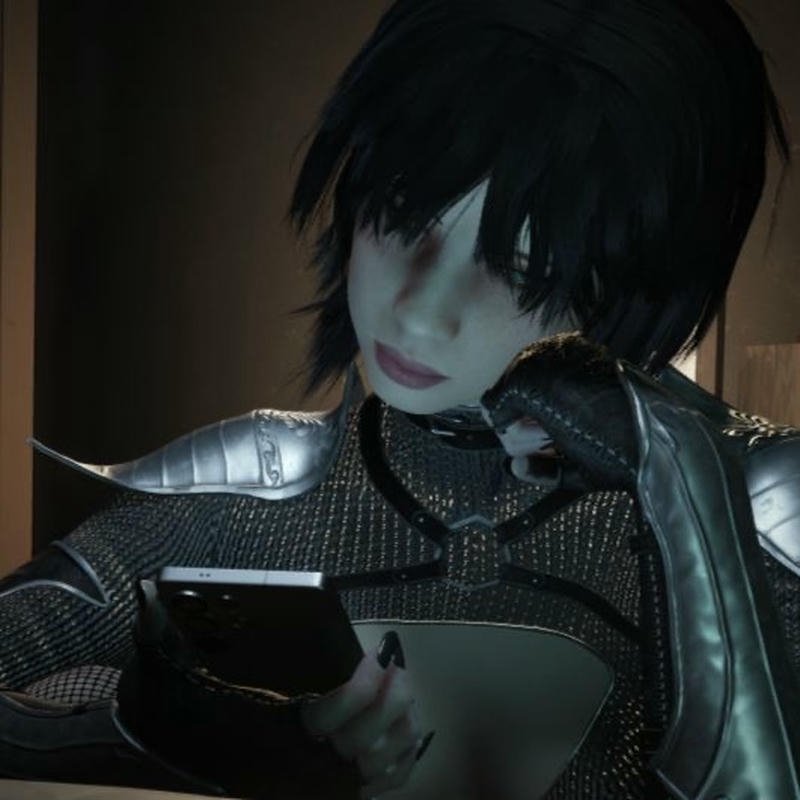
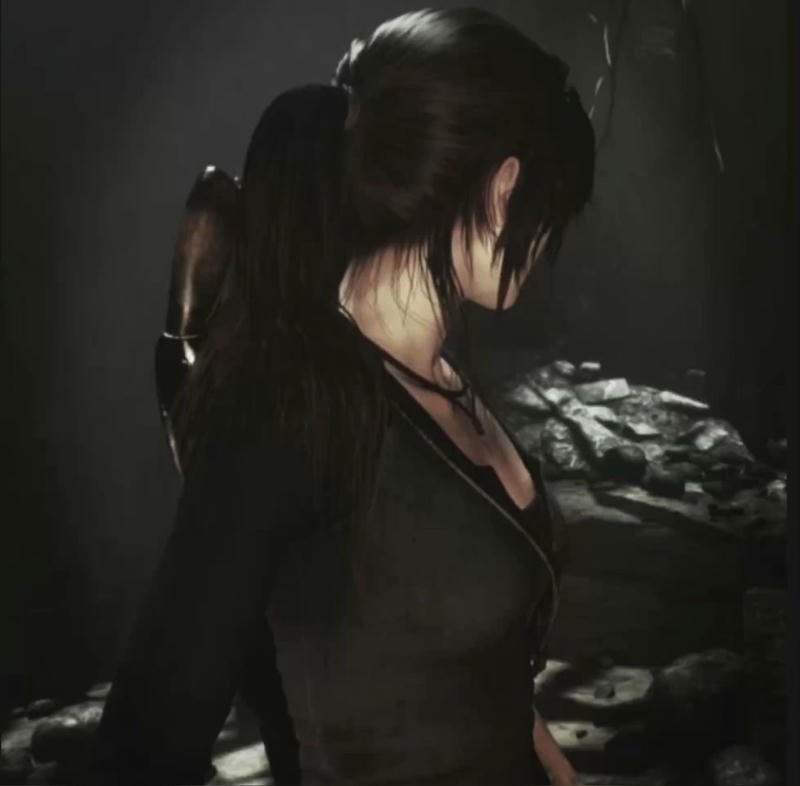


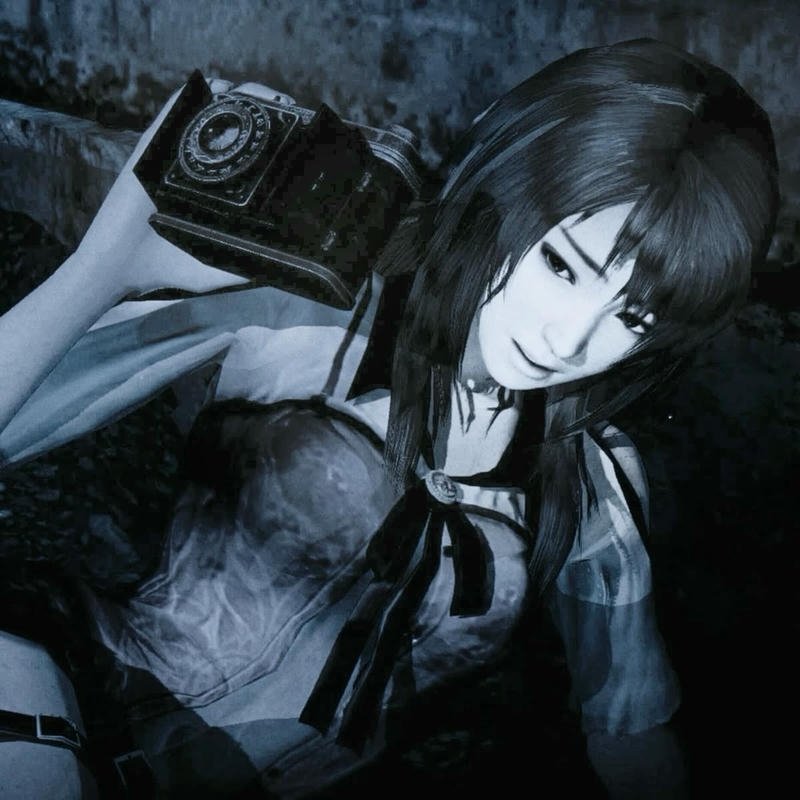
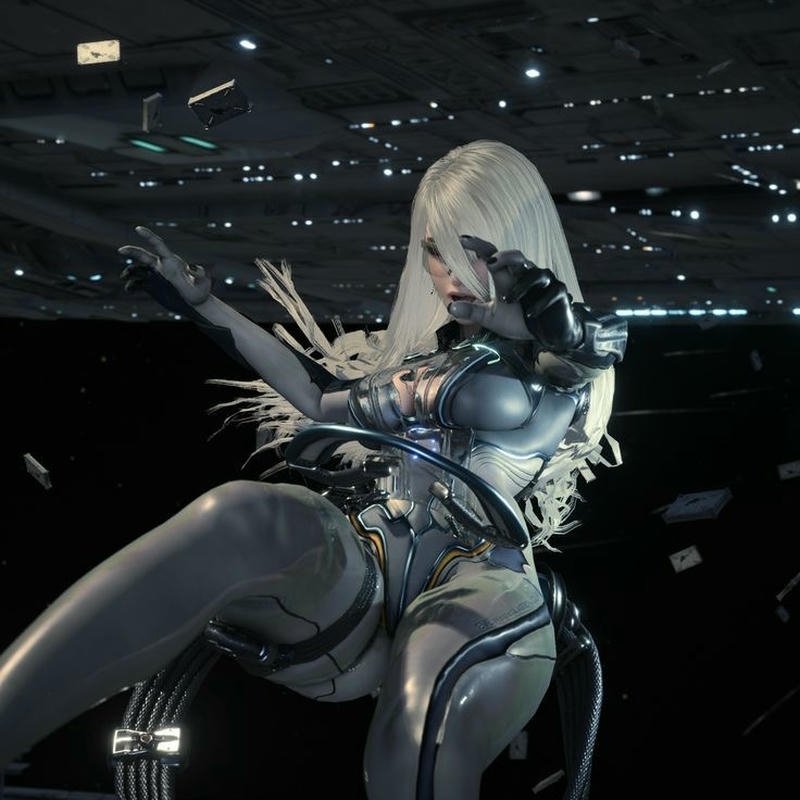

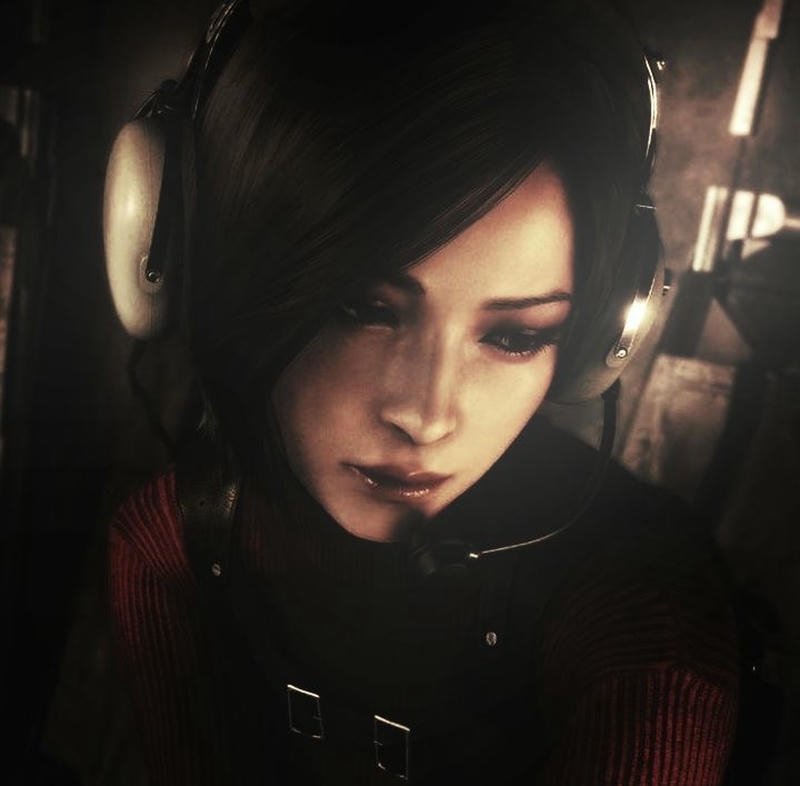
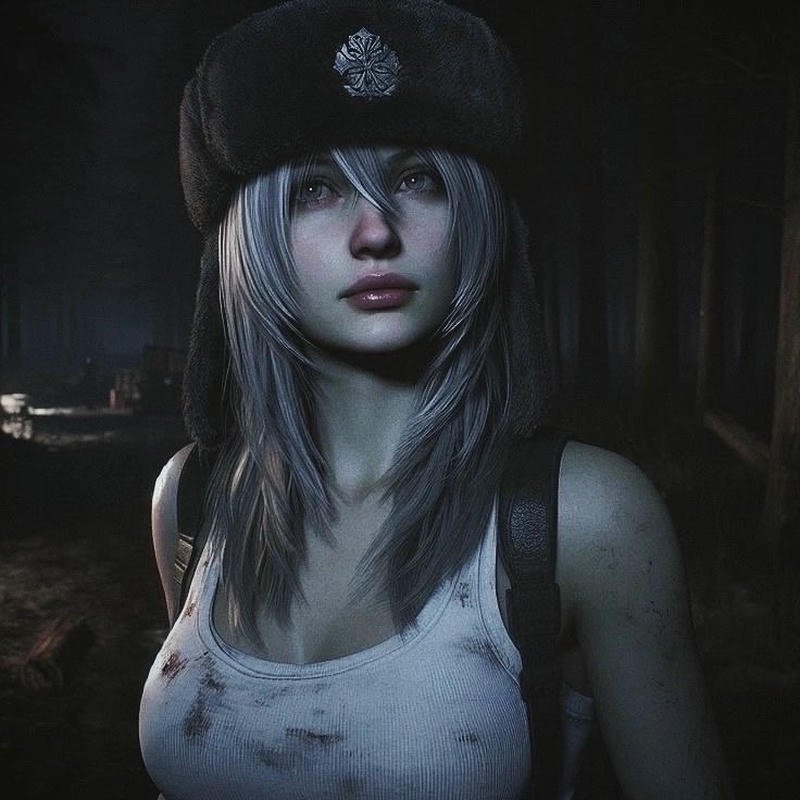
Top PlayStation Profile Picture Ideas
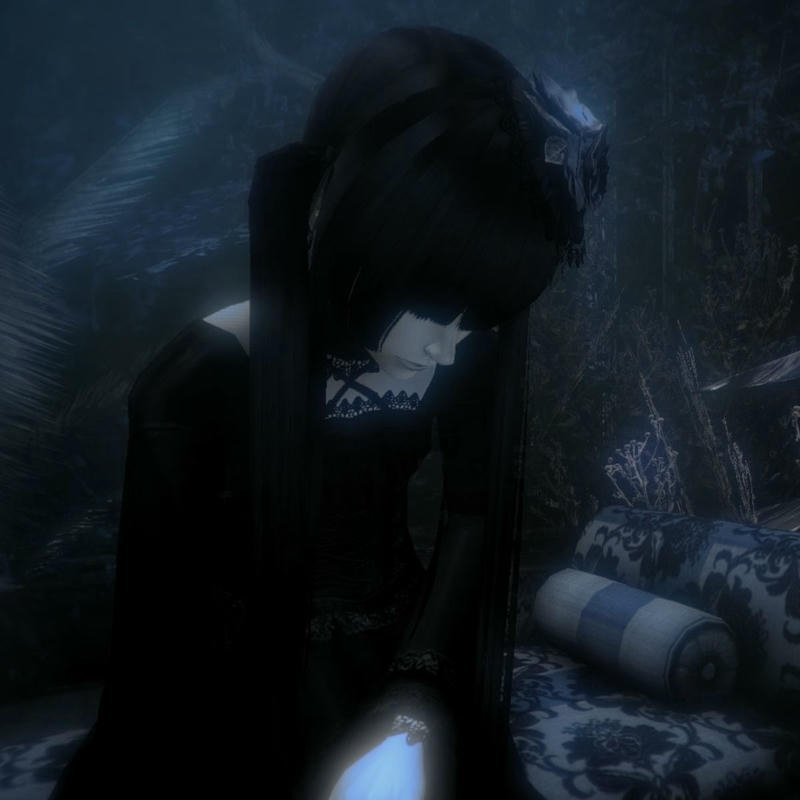
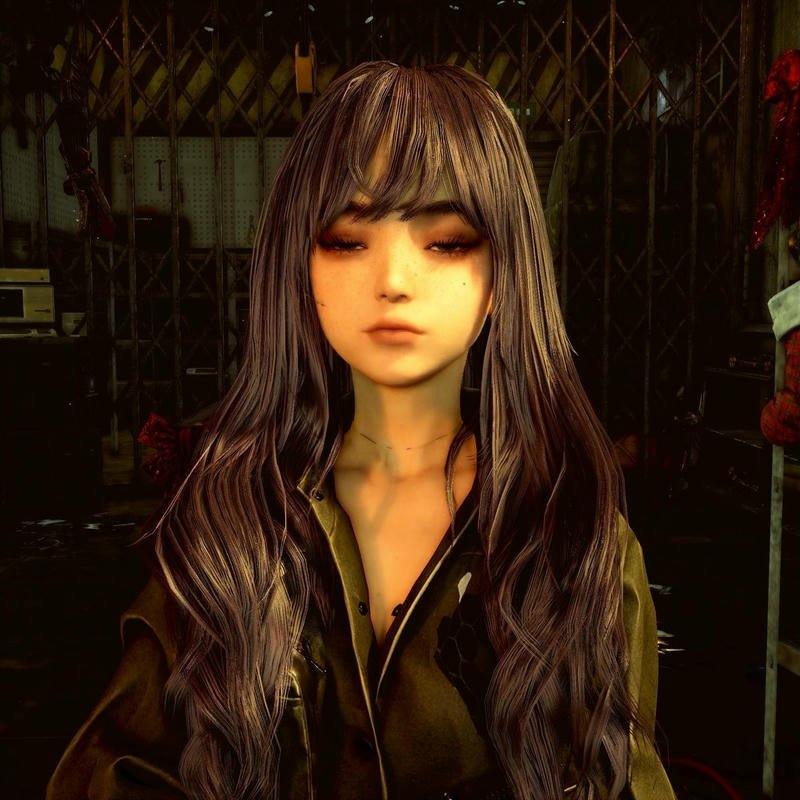
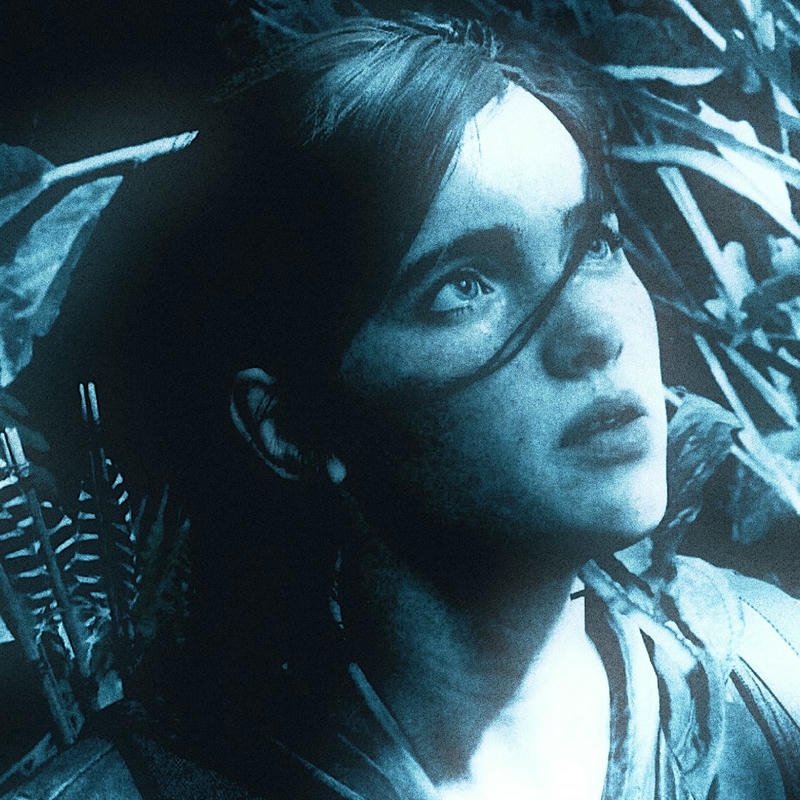
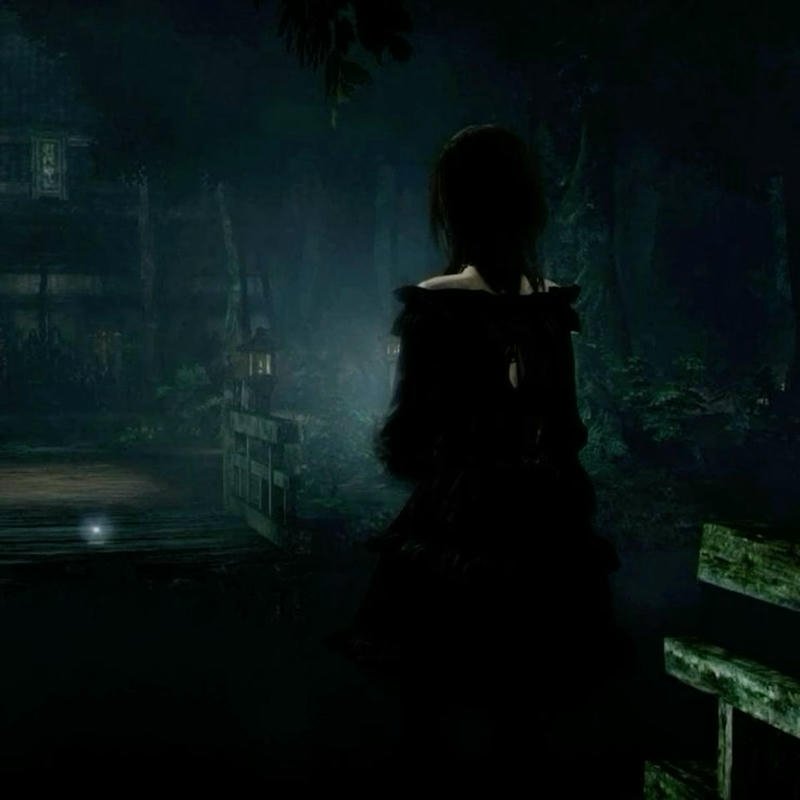
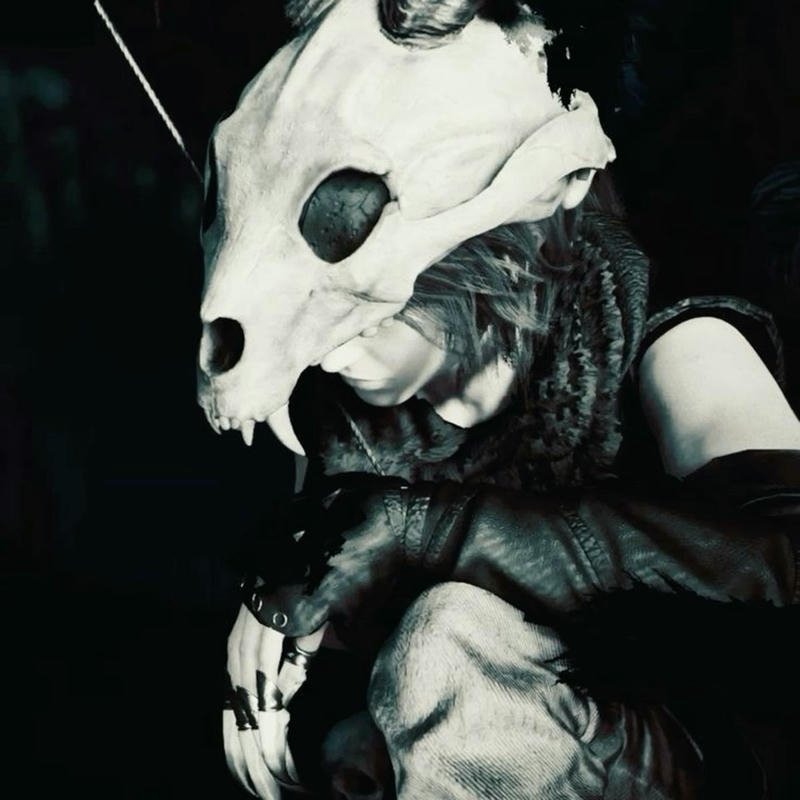
The coolest PlayStation profile pictures mix your favorite game characters with clean, eye-catching designs. Whether you go with a classic PlayStation blue theme or awesome controller art, a great PFP gives your account a fresh look and shows everyone you’re part of the gaming community.
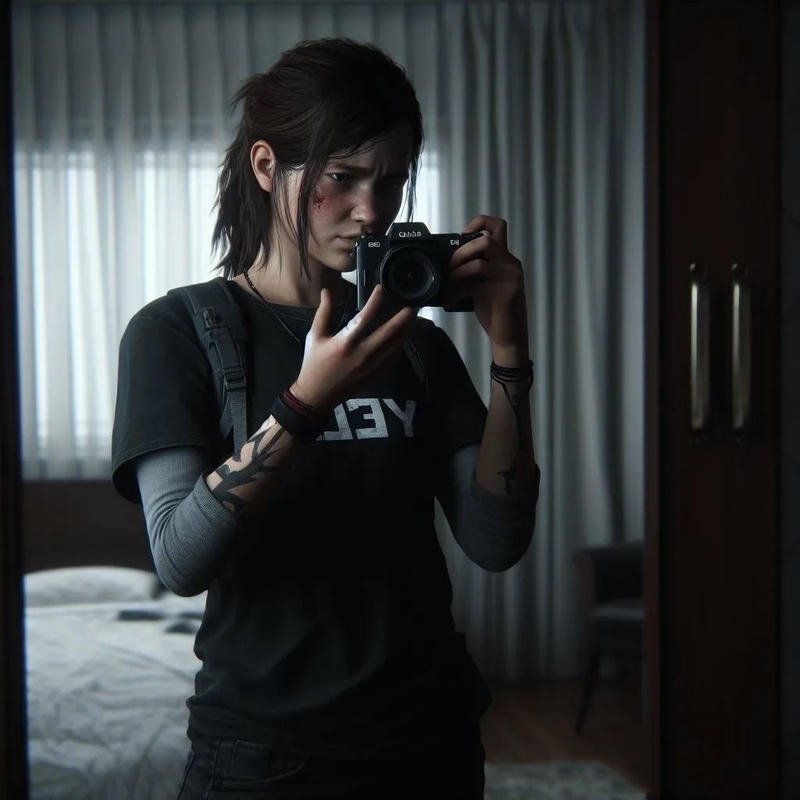
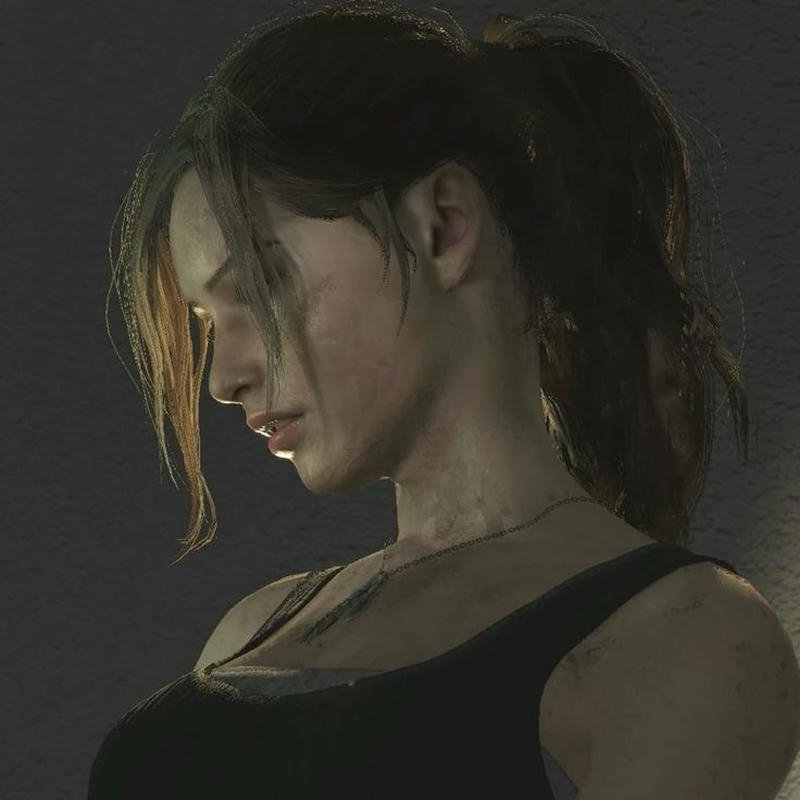
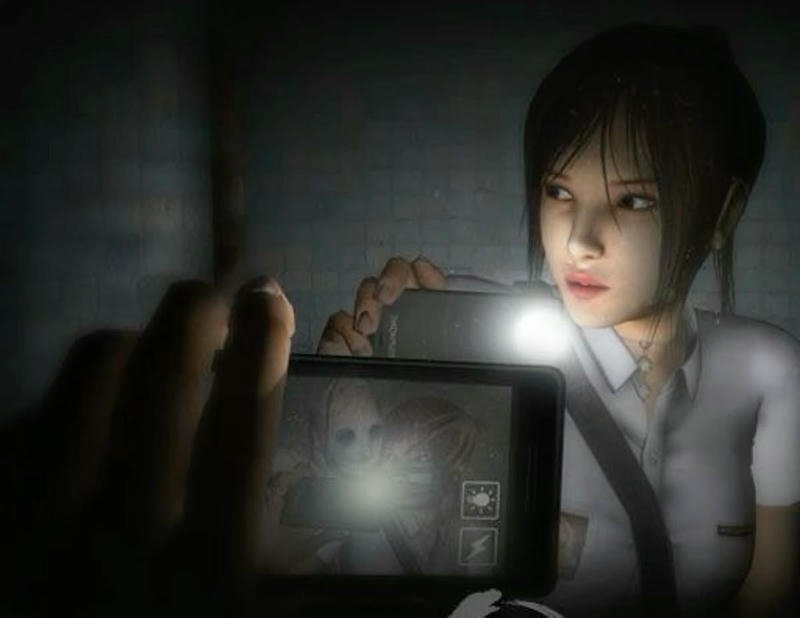
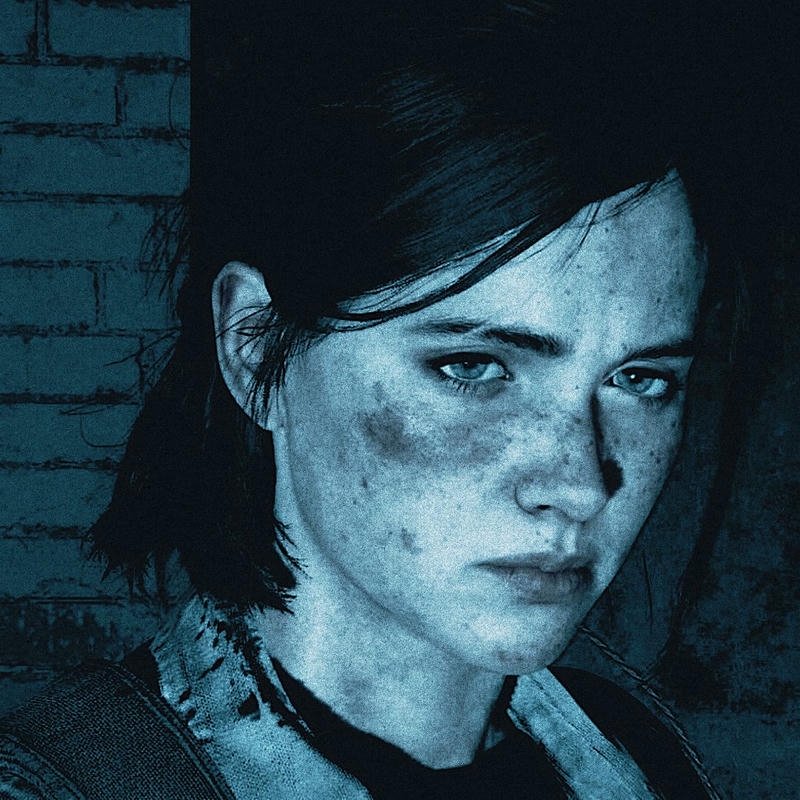



Downloading, Creating Your Own & FAQs
How to Download and Set Your PlayStation PFP
- Tap or right-click your chosen image and select “Save Image.”
- Crop it to a square, keeping the main subject centered (especially important for PS5’s circular crop).
- Follow the upload steps in the How to Set a Custom PlayStation PFP section above, using the website, app, or console.
- Double-check how it displays — PS4 shows the full image, PS5 crops it into a circle.
Free-to-Use vs Licensed Images — What You Need to Know
Not every PlayStation-themed PFP shared online is cleared for redistribution, and official PlayStation branding/logos belong to Sony. Images in this collection are [state your actual licensing here — e.g., original fan art / AI-generated originals / royalty-free assets]. Avoid using official Sony logos or copyrighted character art on any account tied to commercial or brand use.
How to Create Your Own Custom PlayStation PFP
Best Free Tools for Designing a Gaming PFP
- Canva – gaming-themed templates with controller and neon design elements.
- Photopea – free, browser-based Photoshop alternative for color grading and effects.
- AI image generators – for a fully original, one-of-a-kind gaming avatar.
AI Prompt Examples for Generating PlayStation-Themed Avatars
- “Minimalist DualSense controller close-up, black background, subtle blue glow, square composition”
- “Neon cyber gamer portrait, electric blue and purple lighting, PS5-inspired color palette”
- “Retro-style PlayStation console art, PS1-era color grading, nostalgic gaming aesthetic”
Frequently Asked Questions About PlayStation PFPs
What’s the difference between a PlayStation avatar and a profile picture?
Your PSN avatar is a default or store-purchased image visible to everyone, including strangers and match opponents. Your profile picture is a separate custom image visible only to you and your friends list, and it’s the one you can freely replace with any PlayStation PFP.
Can I use a custom PlayStation PFP on both PS4 and PS5?
Yes. Once uploaded through the PlayStation website or app, your custom profile picture syncs across every device linked to your PSN account, though PS4 displays it uncropped while PS5 shows it in a circular frame.
Why can’t I find avatars in the PS5 store?
Sony removed the avatar section from the PlayStation Store on PS5. Avatars can still be purchased through the PlayStation mobile app, the web store, or directly on a PS4 console, and they’ll sync to your PS5 account.
What size should a PlayStation PFP be?
A square image works best across all platforms. PS4 displays it in full, while PS5, Discord, and the PlayStation app crop it into a circle, so keep the main subject centered rather than near the edges.
Can I use AI to generate a custom PlayStation PFP?
Yes, AI image generators can create a fully original gaming-themed avatar from a text prompt describing the color palette, subject (controller, character, logo), and mood you want.
Are PlayStation avatars free to get?
Some PSN avatars are free through PlayStation events, specific in-game trophies, or PlayStation Plus promotions, while others are paid purchases through the PlayStation Store.
Here are 2 more FAQs, written in the same answer-first format as the rest of your article (so they slot straight in):
Can I use a GIF or animated image as my PlayStation PFP?
No. PSN profile pictures only support static image formats (JPG or PNG) — animated GIFs aren’t accepted for your PlayStation profile picture or avatar. Animated avatars are only possible on platforms like Discord, and typically require a paid tier such as Discord Nitro.
Does changing my PlayStation PFP affect my trophies, rank, or account data?
No. Updating your profile picture is purely cosmetic — it has no effect on your trophies, PSN Level, friends list, game saves, or any other account data. You can change it as often as you like with zero risk to your account.
More Aesthetic PFP Collections You’ll Love
Ocean PFP — 300+ calm, sunset & pastel sea-inspired profile pictures
Anakin Skywalker PFP — Star Wars-inspired profile pictures for fans
Crazy PFP — 400+ chaotic, glitchy & absurd profile picture styles
